
If a decision is taken to change the committee structure within a board (either the Trust Board or a Local School Board) then the changes need to be reflected in GVO and the committee members realigned to the new structure whilst not losing any historical records (eg attendance).
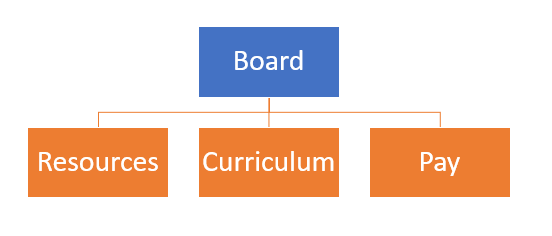
In this example the board has decided to drop from 6 committees to 3.
Current Situation (too many committees and meetings)

Future Structure (committees merged with new Terms of Reference)
- Before making any changes make sure that all meeting attendance records for the existing committees are correct.
- Create new folders and sub-folders for the new committees (easier to start again)
- Archive the folders and sub-folders for the old committees
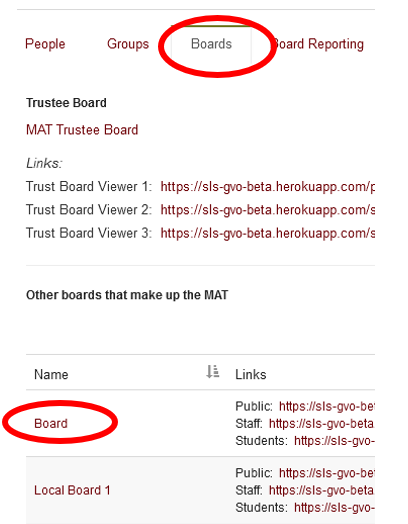
- Go to the board view via Users, Boards & Reporting / Boards then select the board that is changing and then use the Edit Board option

- Scroll to the bottom of the Board Edit screen and change the list of committee names.
From..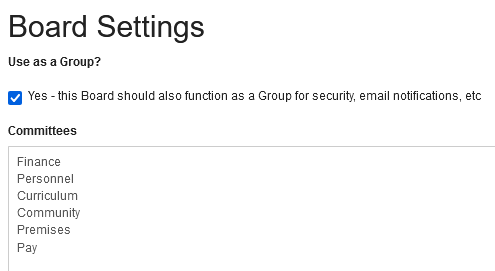
To...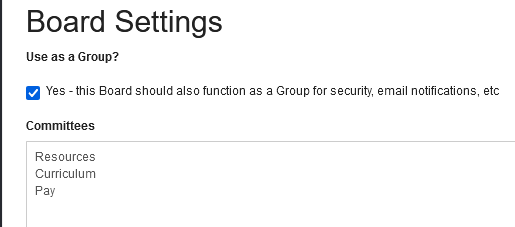
- Press SUBMIT to save the changes
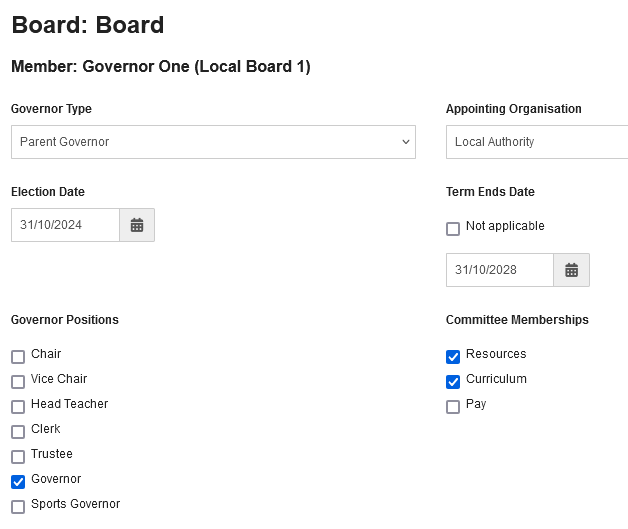
- Go to the Board View and change each Governor Record to reflect the new committee membership (click on each Board Member, Edit Board Member, make necessary changes, Save).
- The Board Reporting tool will now show the new board and committee membership details.
If you need any assistance with this topic please contact the GVO Support desk on 01273 921066