Governors' Virtual Office - Help

Home
GVO - Help

Search GVO Help

GVO NEWS & UPDATES

CLICK HERE TO SEE HOW THE NEWS BANNER WORKS

GVO News Banner
Attached File(s)
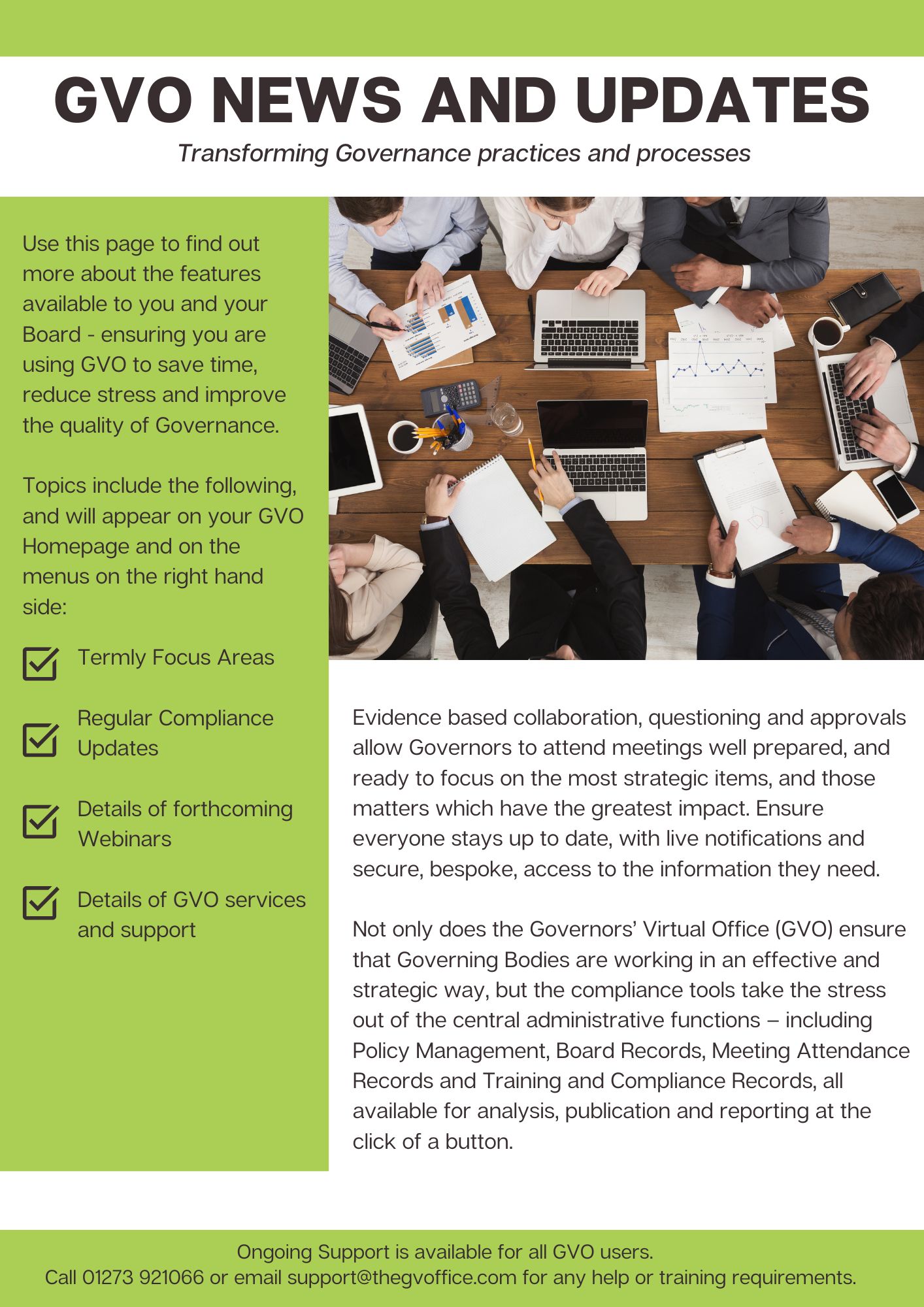
gvo news and updates.pdf

Search GVO Help

GVO HELP INDEX

Show — GVO HELP INDEX Hide — GVO HELP INDEX
  • INTRODUCTION TO GVO (Click for More)
  • HOW DO I (Click for More)?
    • Access Controls (Restrictions)
    • Add Contact Details
    • Adding a link to an external website
    • Adding your approval to a document
    • Change the order of main menu
    • Complaints and Exclusions
    • Convert a Document to have Approvals
    • Copy a Page
    • Finding a Meeting Pack and using it
    • Induction
    • Main Menu (main navigator)
    • Manage Action Logs
    • Multi-Factor Authentication
    • Multiple GVOs
    • News Banner
    • Recent Content display
    • Remove Room Manager (add a new one)
    • Rename a file stored in GVO
    • Tasks
    • Add File (Click for More)
    • Add Folder
    • Adding Comments
    • Add link to meeting pack
    • Add Meeting
    • Add new GVO Manager
    • Add or Edit Room User
    • Add Profile Picture
    • Add Table to Page
    • Add User
    • Add additional people to edit a document
    • Adding ICON to Smartphone
    • Author access to a document
    • Board Structure (Click for More)
    • Calendar (Click for More)
    • Changing email address
    • Change Main Navigation Menu
    • Check folder or Document Restrictions
    • Clerks
    • Clerk's Room
    • Collapse or Expand menu
    • Comments
    • Comment Locking
    • Comments - Subscribe for automatic updates
    • Control of access
    • Create a bookmark
    • Create Link in Meeting Pack
    • Create a meeting (meeting pack)
    • Create Room - GVO SUPPORT DESK ONLY
    • Create User
    • DBS
    • Declaration of Interests
    • Delete a file or page or meeting
    • Delete a user from the GVO
    • Delete a GVO Manager
    • Delete a Room
    • Delete folder
    • Description Box (Click for More)
    • Discussions
    • Edit a document - permission check
    • Edit table properties
    • Edit User Profile
    • Email to new user
    • Example Folder Structure - MAT GVO
    • Exclude Folder from Weekly Newsletter
    • Files or Pages (Click for More)
    • Folders - Create, Edit
    • Folder - details of options
    • Folder Display Options
    • Folder Restrictions - View
    • Folder Structure
    • Folder Properties
    • Folder Types
    • Forgotten Password
    • Governors
    • Groups
    • Governor Records (Click for More)
      • Add Committees to a Board
      • Adding Pecuniary Interests
      • Governor Compliance Records
      • Process for a retiriing or resigned user
      • Boards and Governor Records - who can do what
      • Clerk access to update Governor Records
      • Create/Edit Governor Record
      • Declaration of Interests
      • Delegated Governor Records Management - MAT
      • Display Governor Record
      • Governor Record Master Data & Settings
      • Governor Record Reporting
      • Governor Types on Boards
      • Manage MAT Boards - create and edit
      • Manage the board - single school
      • Personal Data Redaction
      • Preparing to set the GVO to MAT Mode
      • Warning of Board members due to retire
    • Hints and Tips - Videos
    • Home Page
    • ICON on Smartphone or Tablet
    • ICONS used in GVO
    • Internal links
    • Introduce a Friend
    • iPad - changing stored password
    • Keys and Padlocks
    • Linking the GVO Calendar
    • Links
    • Local copy of document
    • Locked Documents
    • Locking a document
    • Main Menu
    • Main Navigation Menu
    • Manager - detail
    • Meeting Attendance Reporting (Click for More)
    • Meeting Packs (Click for More)
      • Add link to a web-conference tool like ZOOM or WebEx
      • Add link to file in a room
      • Adding a link to a website in meeting information
      • Download Meeting Pack
      • Finding and Using the Meeting Pack
      • Good Practice Meeting Pack
      • Meeting Pack - what it contains
      • Meeting Pack Download Layout
      • Meeting Pack Lifecycle
      • Meeting Pack and Folder Structures
      • No Access to paper in meeting pack
      • Order of agenda items in the pack
      • Tracked Changes
      • Meeting Pack (create) - Video
      • Add link to folder or website to meeting pack
      • Add link to meeting pack
      • Restricting part of a meeting pack
      • Agenda item order in a meeting pack
      • Link to external website
    • Meeting Pack (Overview) - Video
    • Missing email to new user
    • Move a document
    • Move Folder
    • Multi Academy Trusts (Click for More)
    • Multi Academy Trusts - Video
    • Multiple GVO accounts
    • New Governor
    • New User
    • Newsletter
    • New User Welcome email
    • Newsletter - switch off
    • New Room Manager
    • Notifications
    • Notification email - Bcc
    • Notification Good Practice
    • Notify by email during item add or edit
    • OFSTED
    • Order of Main Menu
    • Organising your GVO
    • Pages
    • Add Page
    • Password advice
    • Personal Data redaction
    • Policy Management (Click for More)
    • Preview
    • Printing a document
    • Private Rooms
    • Profile Picture
    • Rearrange the main menu
    • Recent Content
    • Recover deleted file
    • Recover deleted folder
    • Recover deleted items
    • Rename a document or file
    • Rename Folder
    • Replace Document
    • Reports
    • Reset Password
    • Restrict access to a document
    • Restrictions (Folder)
    • Roles and Groups – how do I use them?
    • Rooms
    • Room - changing room name
    • Room settings
    • Search Facility
    • Setting the name of the GVO
    • SHARE & Notify
    • Share - sending an email notification
    • Show in 2nd Location
    • Site Administration (Manager)
    • Skills Audit/Matrix (Click for More)
    • Temporary GVO Profile
    • Top Level Folder - Add, Edit, Delete
    • Training Records (Click for More)
    • Training Videos
    • Unlock document
    • Update a document
    • User Group - Create, Edit
    • User Group - View
    • User Profile - Create, Edit, Delete (Click for More)
    • User Profile - Options (Click for More)
    • User Profile - who can do what
    • User Profile - View
    • User Role descriptions
    • View User List
    • Virtual Meetings
    • Wastebin
    • Weekly Newsletter - choose which day it is sent out
  • Improving quality of Governance
  • Hints & Tips Videos
  • Troubleshooting (Click for More)
  • Support
  • GVO Release 9.0 - details
  • Latest GVO Enhancements
  • SKILLS AUDIT HEADLINES

GVO News

Show — GVO News Hide — GVO News
  • GVO - Skills Audit
  • GVO - Tasks and Actions
  • GVO - Clerking Service
  • GVO - Getting Started Guide
  • GVO - Policy Management
  • GVO - Policy Management Update Summer 23/24
  • GVO - Meeting Pack Management
  • GVO - Security and Confidentiality

GVO Webinars

Show — GVO Webinars Hide — GVO Webinars
  • GVO Webinars - Find out more...
Powered by Drupal