
How does GVO handle documents with Tracked Changes
Care must be taken when a document contains 'tracked changes and the way to work depends if you want the Tracked Changes to be visible our not.
If the Tracked Changes are to be visible in the preview then the document should be added to GVO as a PDF with the Tracked Changes visi9ble. The changes will be visible in the Preview and in the Meeting Pack Download
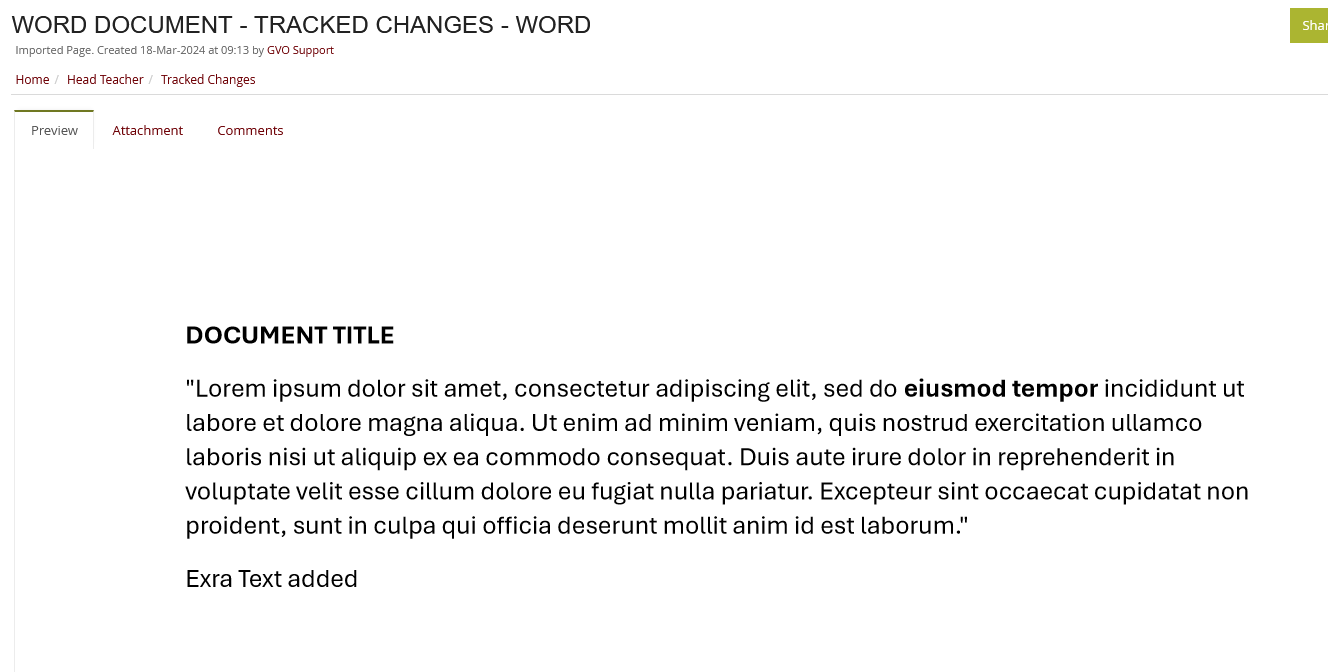
If the document is added as a WORD document then the tracked changes are NOT visible in the PREVIEW (and Meeting Packs). The GVO generated Preview PDF (from the Word) effectively does the same as printing and the tracked changes are NOT visible.
Below is a simple WORD document with Tracked changes.

If the document is added to GVO as a WORD Document then the Tracked Changes are not visible (and are accepted)...it will be the same in any downloaded meeting pack.
If the Document is Saved as PDF and added to GVO then the changes are visible..
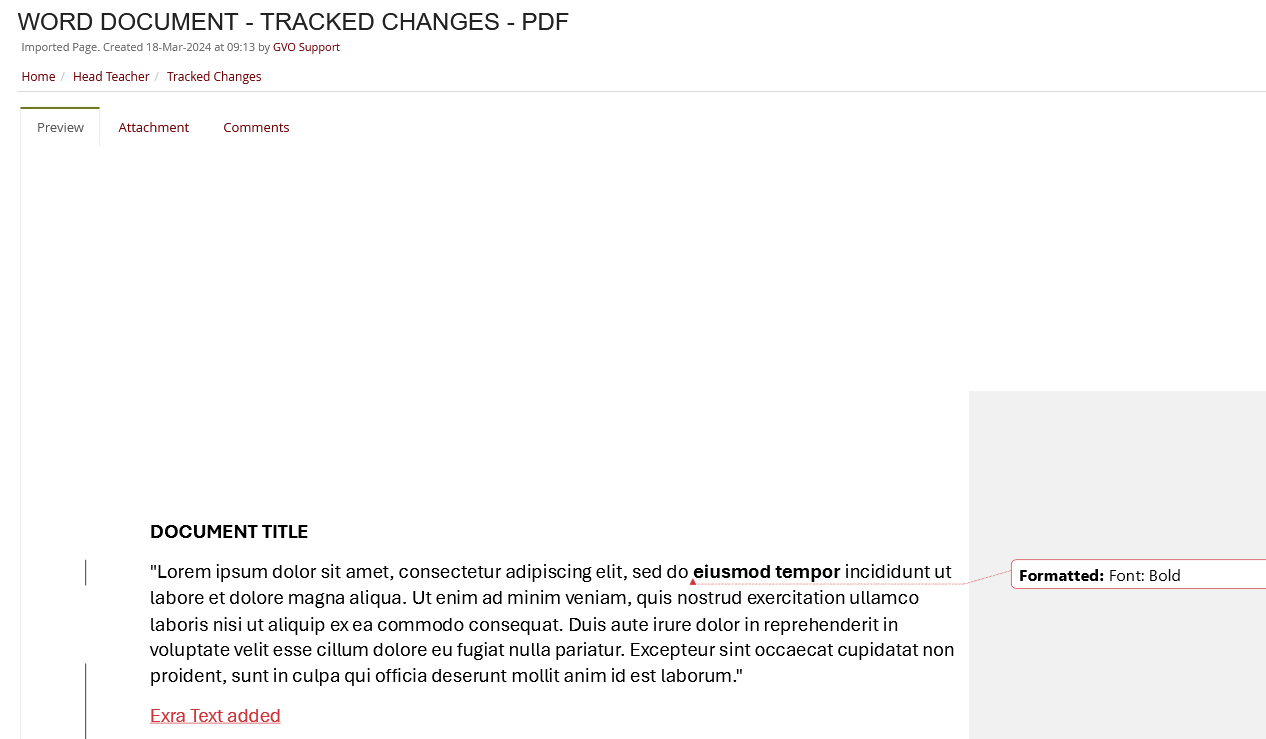
So, if you wish to have Tracked Changes visible then the file must be added as a PDF.